

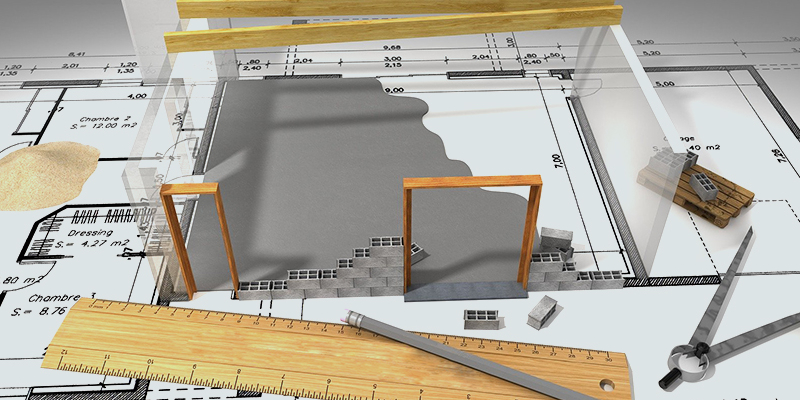
Building accurate computer models of parts and assemblies for intricate simulations and digital manufacturing is possible with 3D modelling also known as cad modeling. Using 3D printing, CNC machining, and injection molding, CAD models can be turned into tangible objects.
Why CAD modeling is useful?
A wide range of parameters, such as strength or temperature resistance, can be simulated using CAD software prior to the creation of any physical models. Without sacrificing the quality of your components, using CAD software lets you work more quickly and in inexpensive manner.
Building Information Modeling (BIM)
The architecture, engineering, and construction (AEC) sector is undergoing a digital transformation, and BIM is its cornerstone. The comprehensive process of creating and managing information for a built asset is known as building information modelling (BIM). BIM creates a digital representation of an asset throughout its lifecycle, from planning and design to construction and operations, based on an intelligent model and made possible by a cloud platform.
The Role of CAD Drafting
CAD Drafting can benefit your business in the following ways:
- 3D models can be created using CAD:
If you’ve ever attempted to manually create a 3D model, you are aware of how challenging and time-consuming the process is.
Your 2D model can be quickly and easily converted to 3D using a CAD 3D modelling programme. And you need a CAD 3D model for the printer software to read if you’re going to use 3D printing at any point during the product development process, like for rapid prototyping.
- CAD is simple to learn easy to use:
An intricate computer programme like CAD might seem impossible to learn, but that isn’t the case. For engineers and product designers, or for those with a background in design and a habit of thinking spatially, CAD is relatively simple to learn.
The fact that you can use the simple tools that we all use on our computers every day-cut, paste, copy, and delete-is one of the best things about CAD designing. There is hardly any learning curve with these.
- CAD designs are easy to replicated:
Compared to manual drafting, this is a huge advantage. It’s crucial to be able to create many copies of your designs if they need to be distributed to various departments or given to another product designer, for instance.
- Effortless Modification of CAD designs:
A CAD design can be quickly and easily modified for, say, a second generation of a product. Additionally, you can track and save all of your modifications in the file. This implies a decreased likelihood of modifications if being forgotten or lost.
- Global sharing of CAD files:
In the global economy, different businesses—some of which may be located far from one another—can share the responsibility for product development. (unless you use an all-in-one product development partner).
CAD files can be shared, viewed, and modified all within a single program, unlike manual drawings, which can be scanned. On the other hand, recipients may require multiple programmes to open, view, and comment on scanned versions.
- More secured than paper-based sketches:
The permission controls that come with CAD programmes can be used to limit access to only the people who need to see the file. This helps both with security and with preventing unauthorised editing by people who aren’t directly involved with the project.
Despite the fact that security precautions can be taken with paper drawings, it is essentially impossible to completely secure a paper drawing.
For engineers, product designers, and other people involved in the product development process, computer-aided design is a very helpful tool.